 11
Published: November 12, 2026
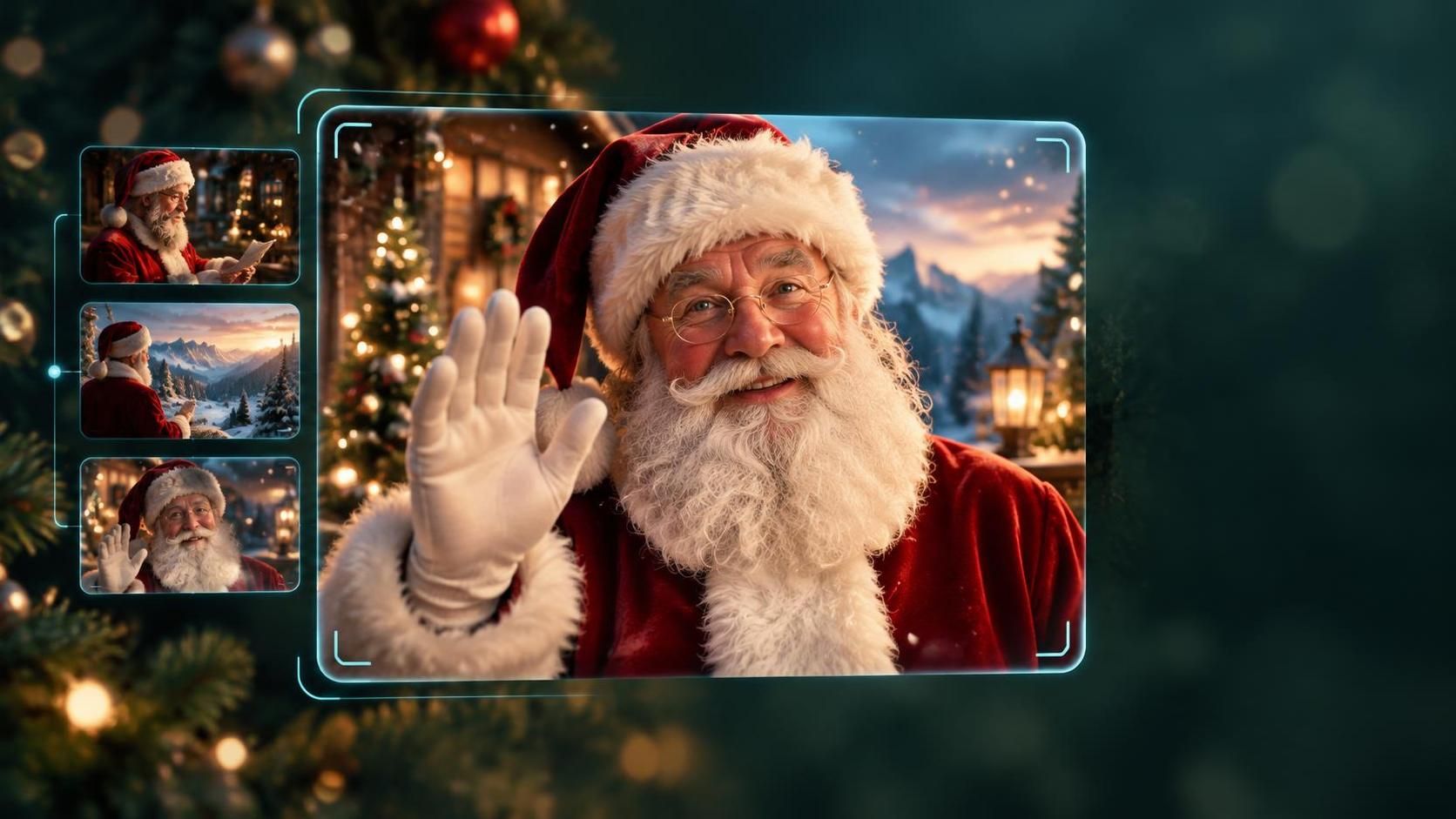
An AI Santa video is a short, personalized clip in which an animated or AI-generated Santa speaks a message you write. You type a script, pick a festive scene, and the tool turns it into a lip-synced video you can send by email or share on social media. It is not a live call with Santa, and it is worth knowing a few privacy points before you upload anything about a child.
Most tools follow the same simple flow. Tom’s Guide describes Synthesia’s Santa generator as using text-to-speech technology to create lifelike avatars of Santa and Mrs. Claus. Other providers work in a similar way:
TechRadar’s walkthrough follows exactly this pattern: pick a template, write a personalized message, then send it to your recipient.
| Tool | What it offers | Good to know |
|---|---|---|
| Synthesia | Santa and Mrs. Claus avatars with festive templates | Covered by TechRadar and Tom’s Guide as a free seasonal feature when they wrote about it; check current terms |
| HeyGen | Script-based Santa videos with a choice of presenter, scene and aspect ratio, plus an optional voice feature | Describes the output as a message you can replay, not a live phone call |
| Fotor | Santa video and image generator in the browser | Works online without installing anything |
| Dreamina (CapCut) | Custom Santa videos with festive scenes | Mentions daily free credits for the video generator, which can change |
Some tools let Santa speak in a familiar voice, such as a parent’s or grandparent’s, by uploading a short voice sample. That can be a lovely surprise, but only use a voice with that person’s clear permission, and read how the provider stores and uses voice recordings.
Be careful with children’s information too. A first name and a favorite toy are usually enough. Avoid adding full names, school names, addresses or photos of children to a third-party service, and review the provider’s privacy policy first. If you are making videos for customers or a class, tell recipients that the video is AI-generated.
If you would rather create holiday images, image models have daily caps. Our guide to Nano Banana’s image limits explains what you can generate each day. More creative tools are in our Generative AI section.
An AI Santa video is quick to make, usually takes just a script and a template, and can be a charming holiday surprise. Pick a tool, keep the message short and personal, check the video before you send it, and keep children’s details to a minimum. Since these services change their free offers often, confirm pricing on the provider’s own page.